
Fatih Turan Teknoloji
Digital solutions for your industry
Plan your website, business email, customer management and sales journey together. Choose an industry to understand what is needed and why.
28
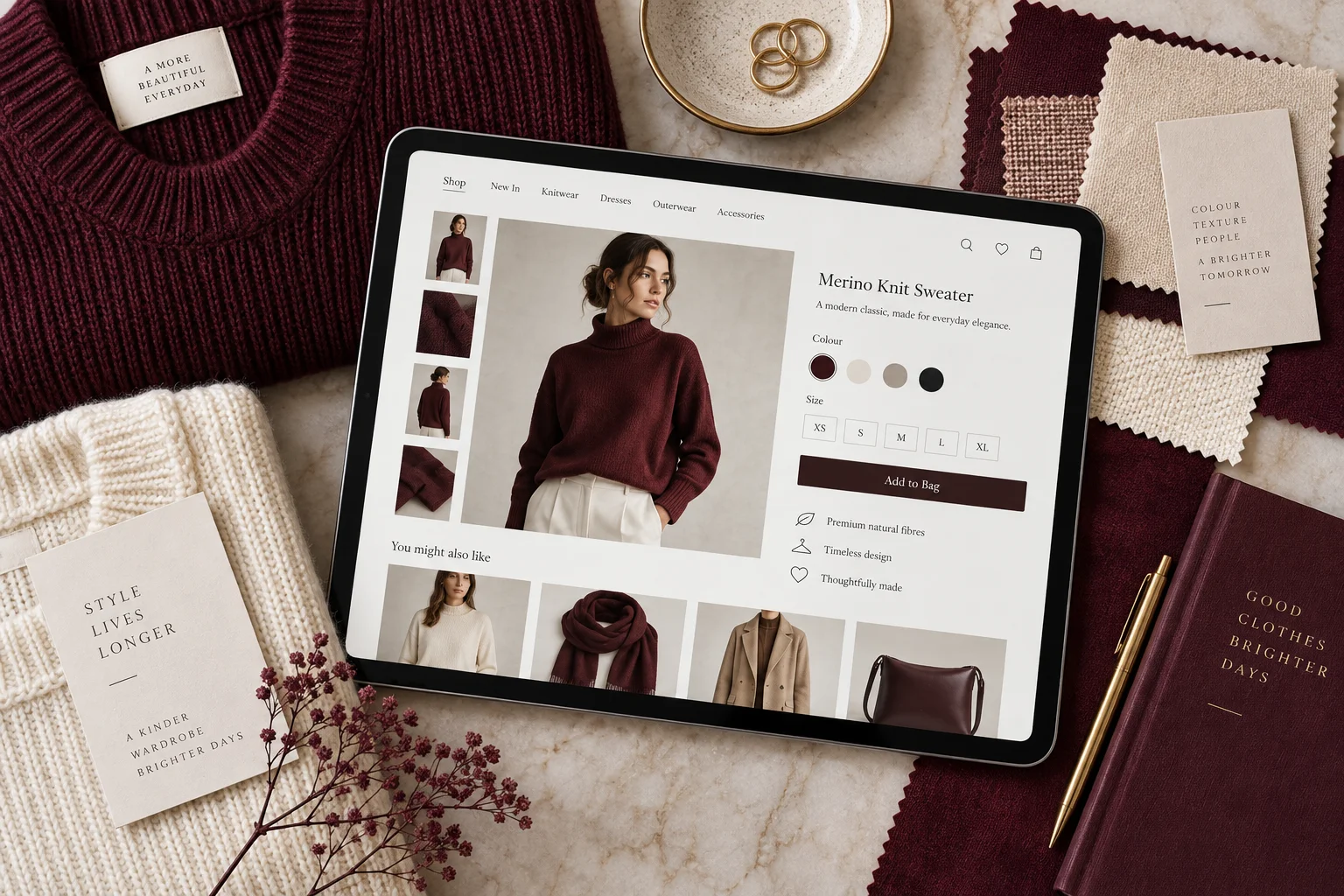
Fashion ↗
Sell by size and colour, with measurement guides, stock availability and an exchange workflow. Organise seasonal collections.
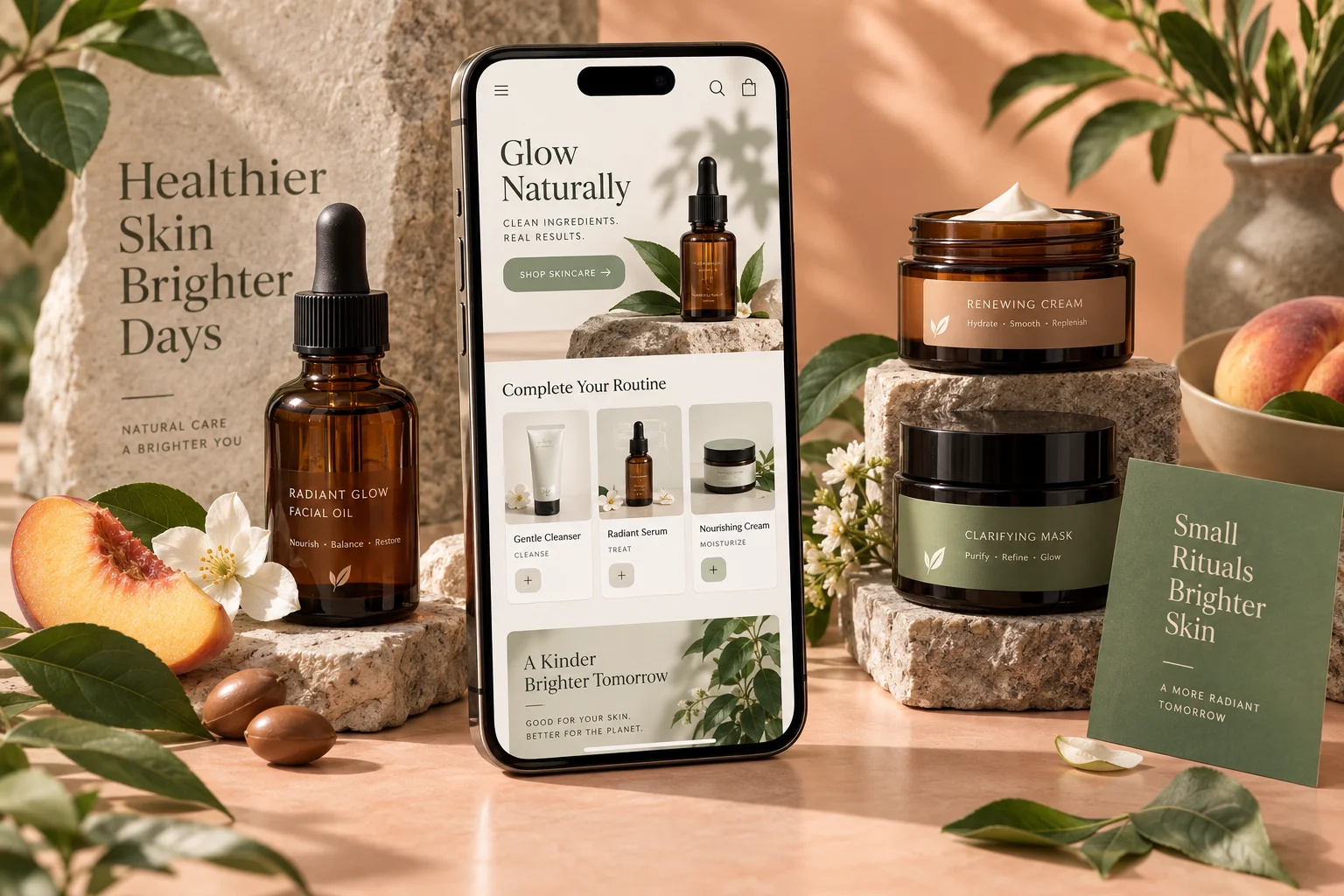
Beauty & personal care ↗
Build a catalogue with ingredients, usage information and variants. Plan bundles, stock and repeat orders.
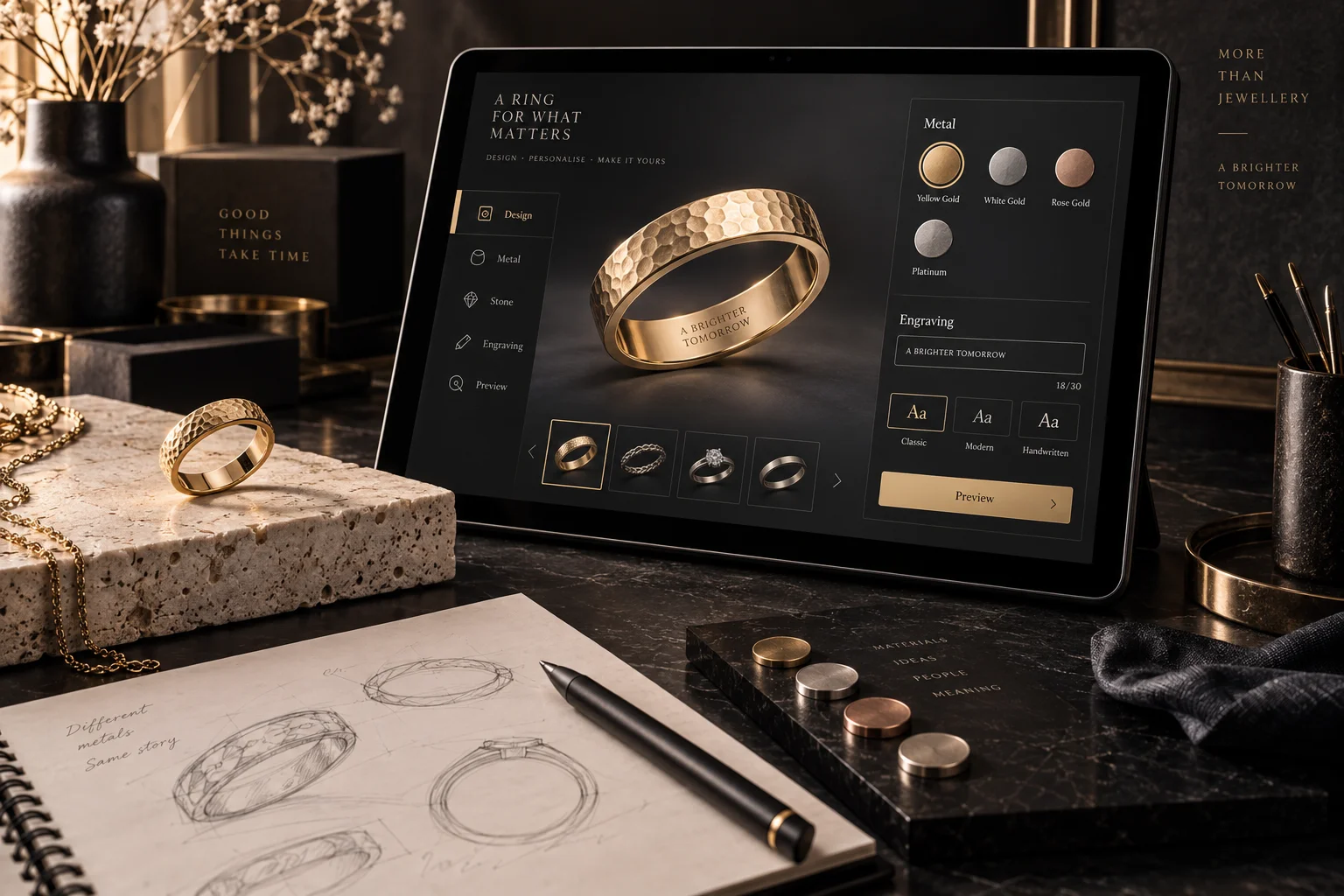
Jewellery & accessories ↗
Explain material, dimensions and personalisation. Made-to-order items need an approval step and an agreed lead time.
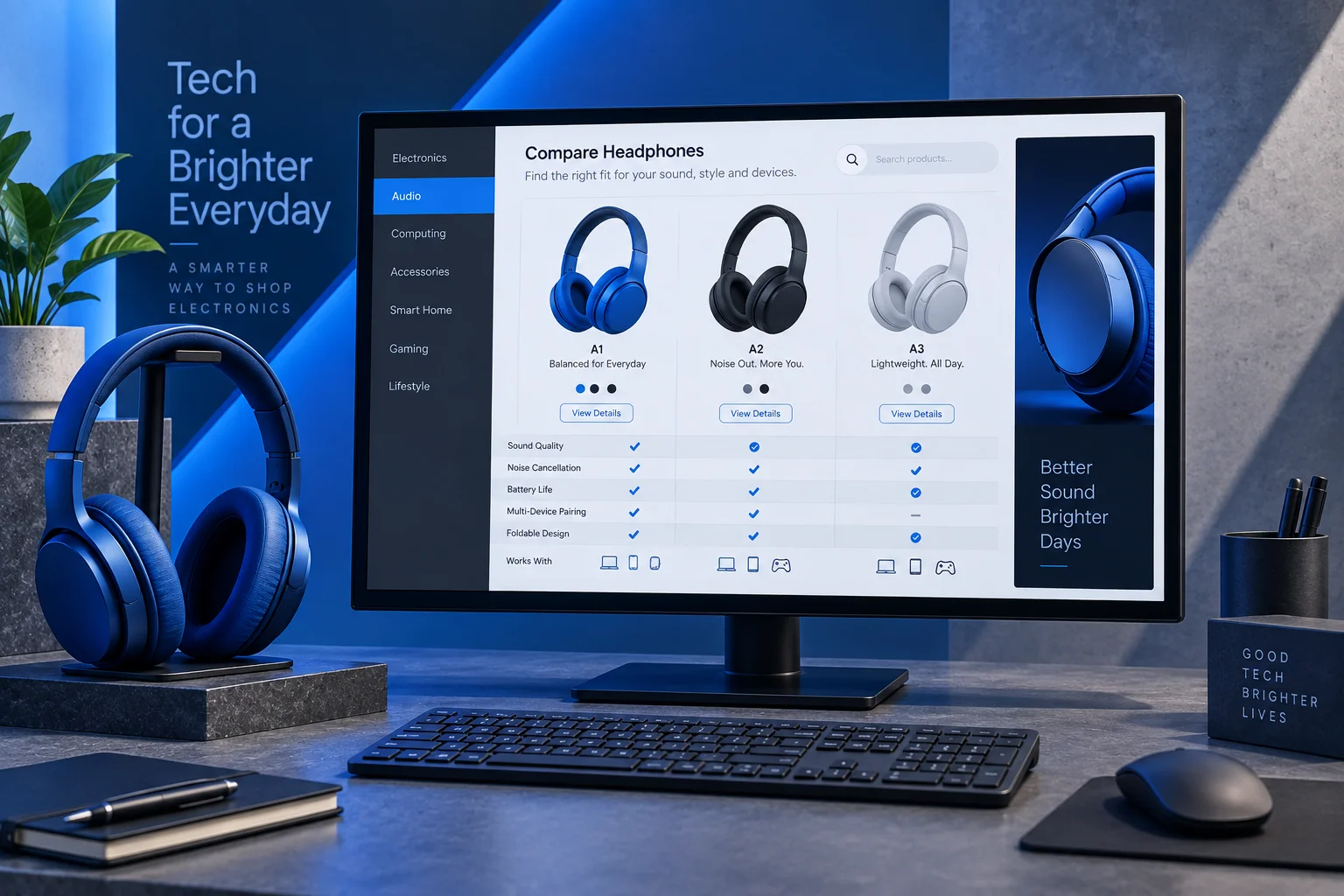
Electronics ↗
Show specifications, compatibility, warranty information and stock. Add accessory matching and after-sales requests.
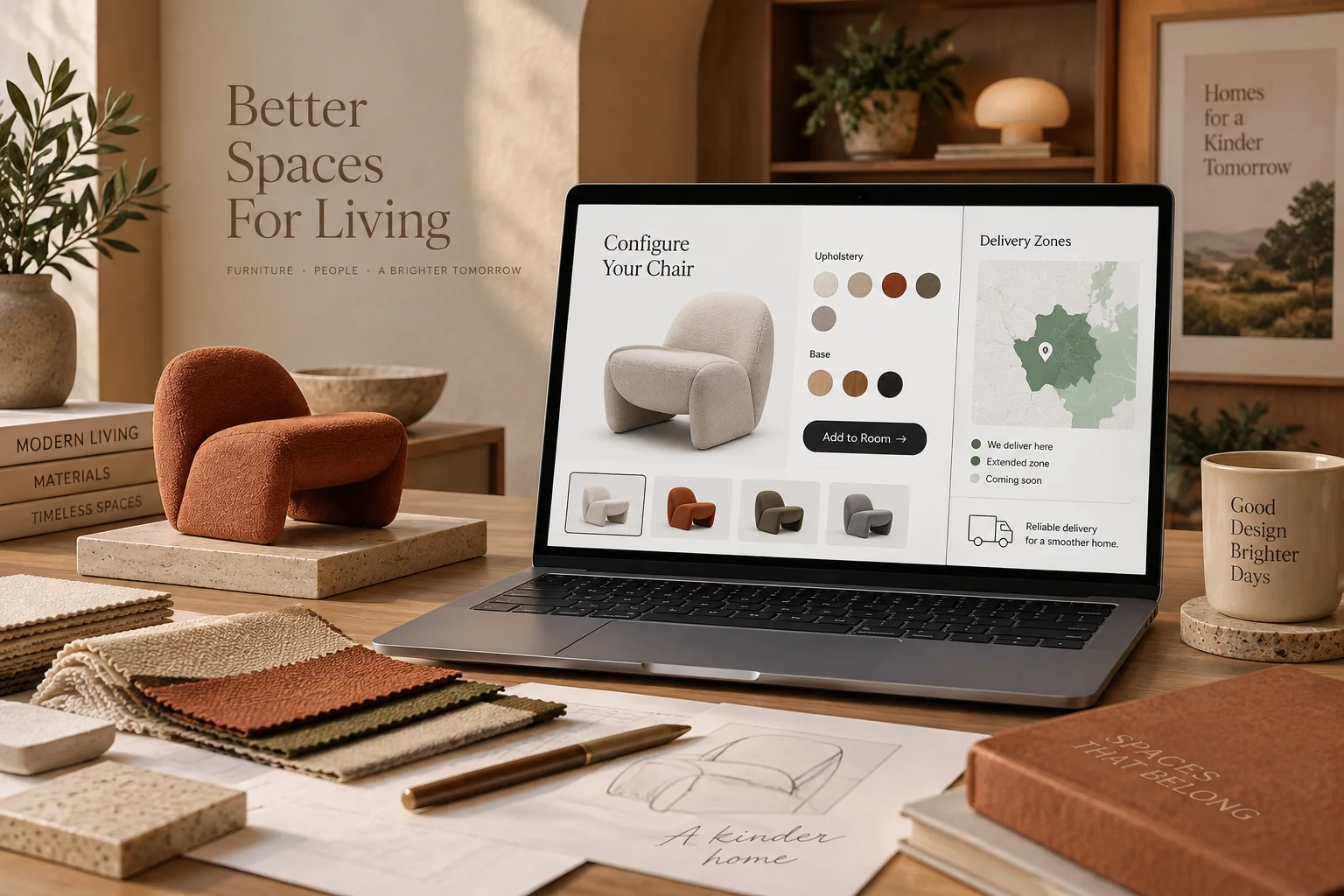
Furniture & home ↗
Choose dimensions, fabric, colour and delivery area. Bespoke dimensions use a quotation flow instead of instant checkout.
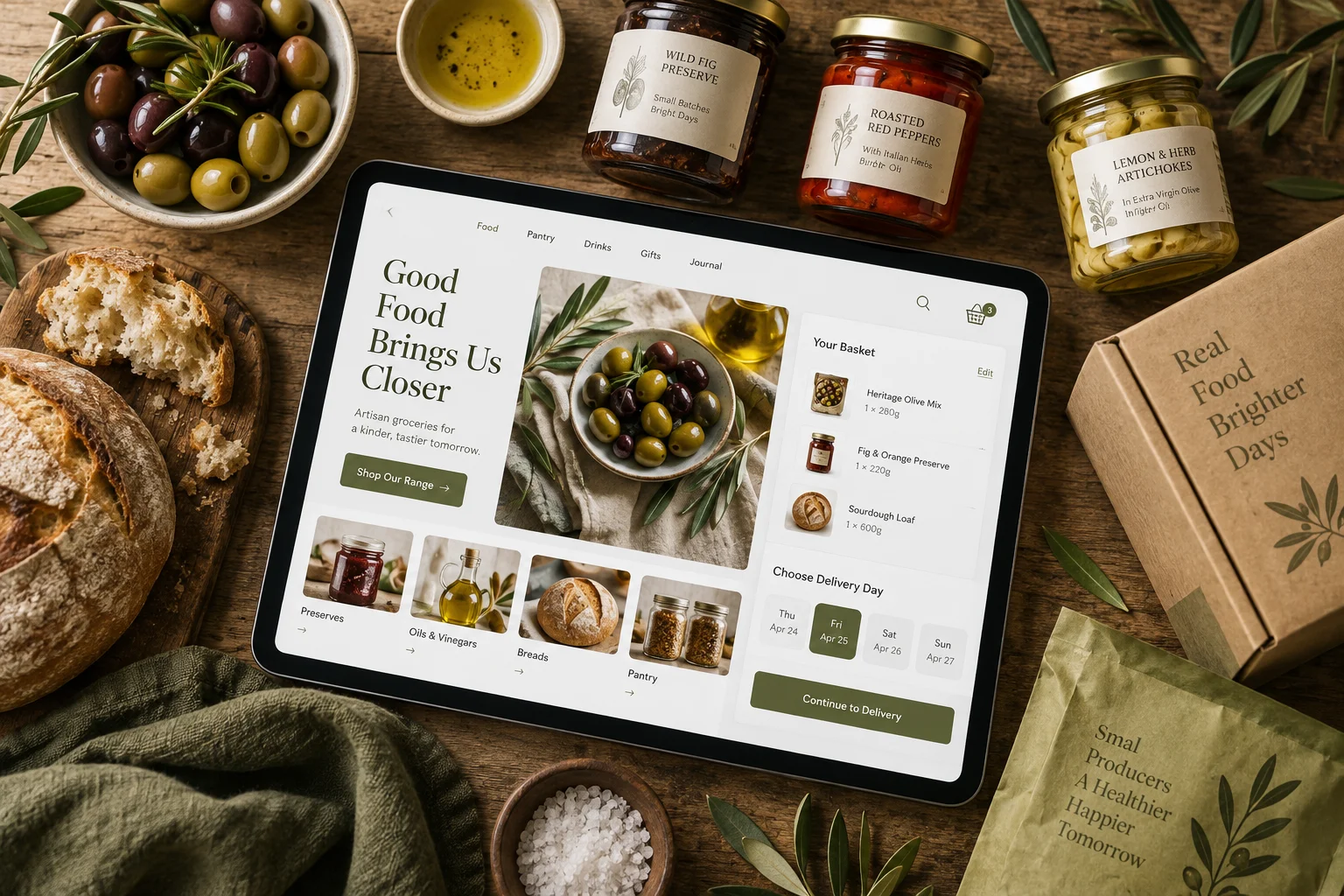
Food producers ↗
Explain pack weight, ingredients, storage and delivery conditions. Collect delivery zone and date with each order.
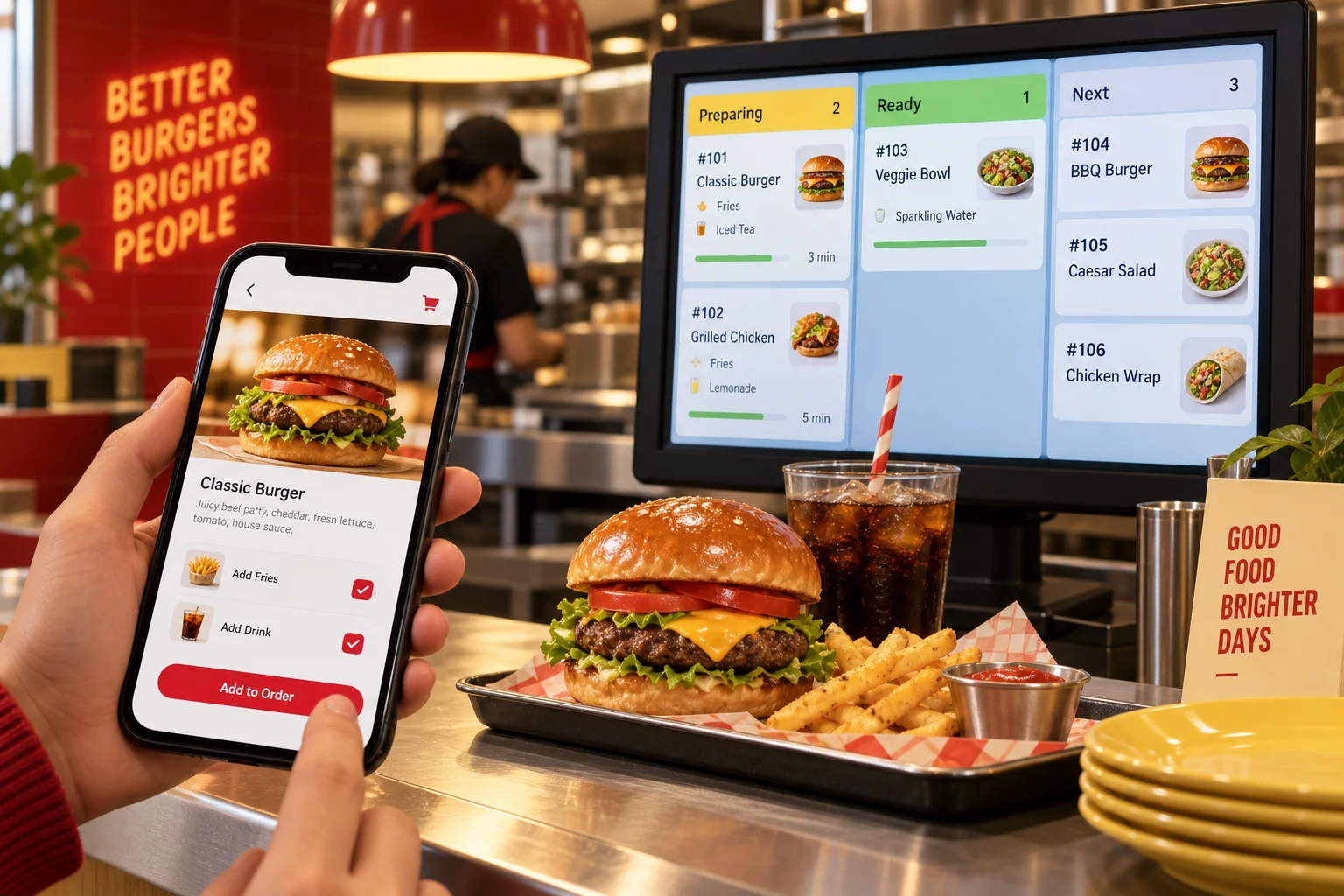
Restaurants & cafés ↗
Publish menus, modifiers and branches. Delivery zones, pickup times and kitchen capacity shape online ordering.
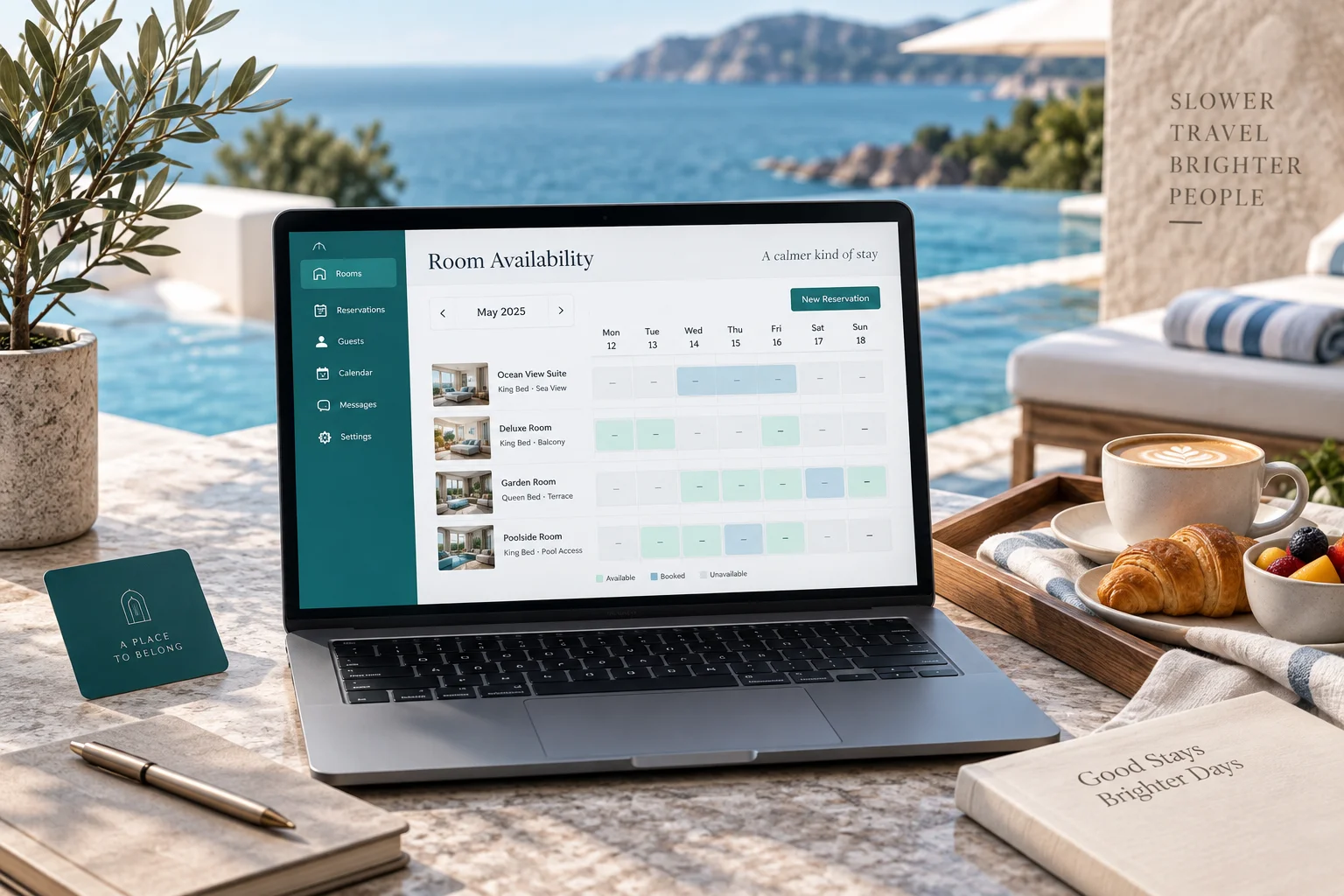
Hotels & accommodation ↗
Show room types, occupancy, availability and stay conditions. Connect reservations to the existing calendar or hotel system.
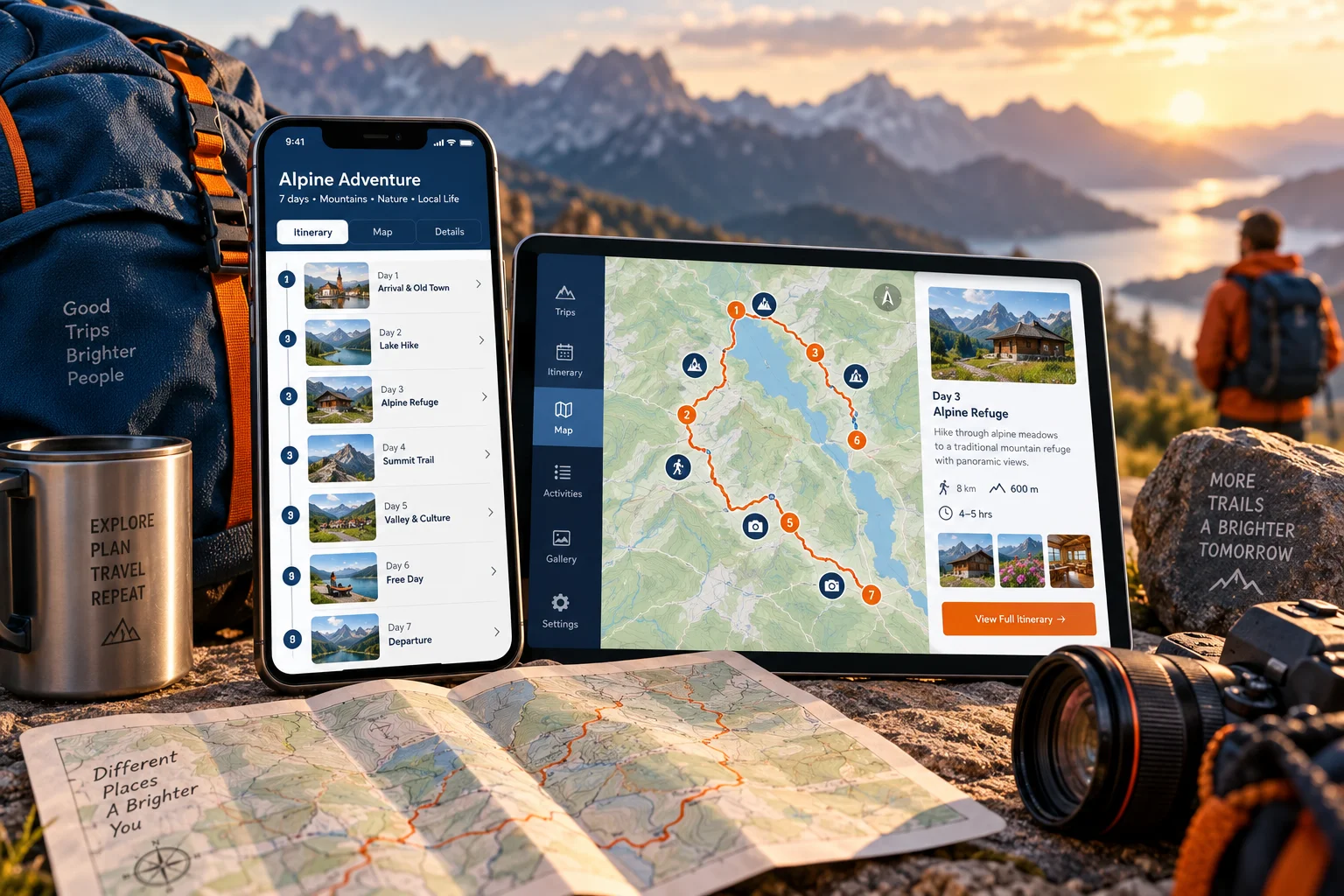
Tours & travel ↗
Explain itinerary, dates, capacity, inclusions and meeting point. Handle private group requests through a separate quotation flow.
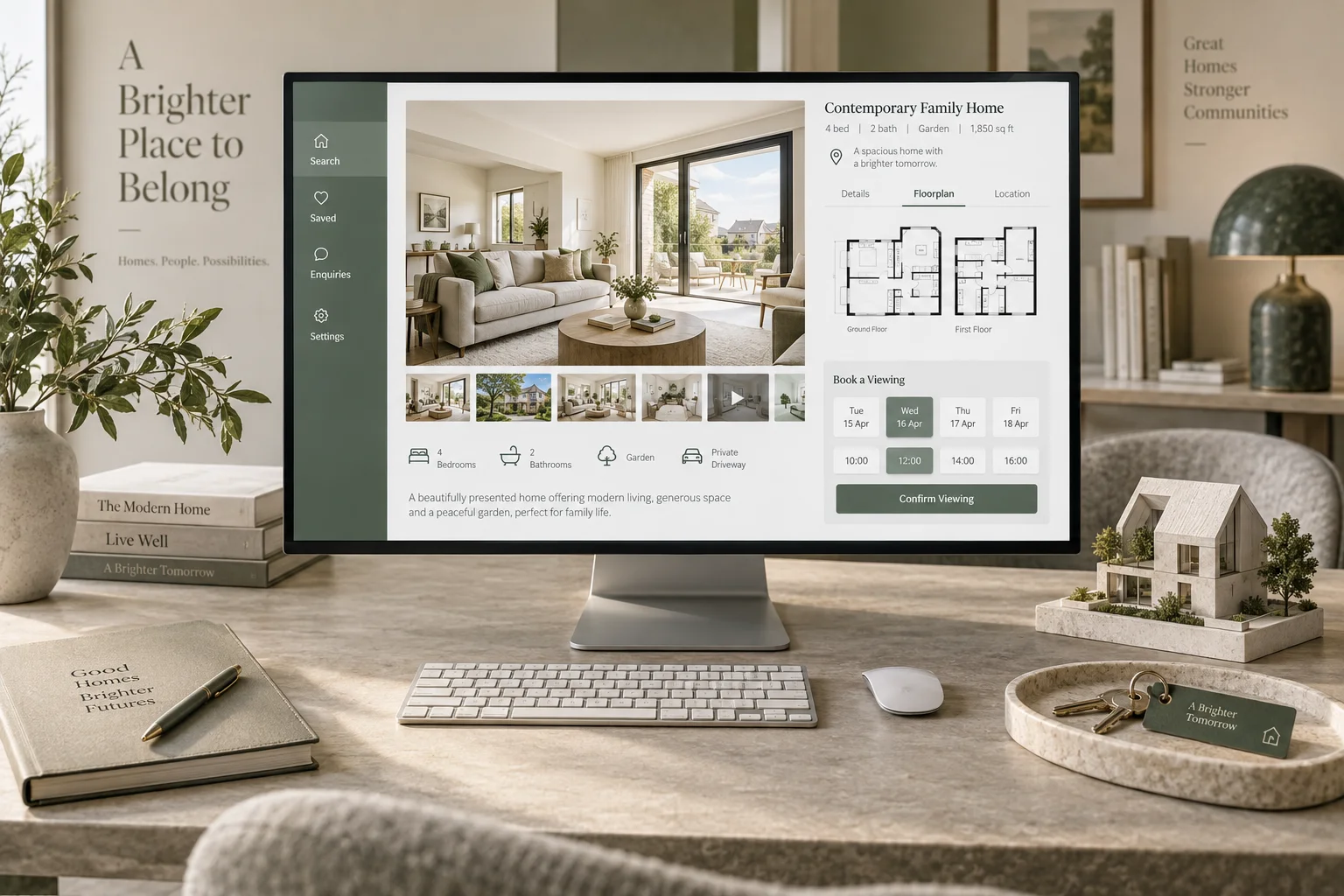
Real estate ↗
Prioritise listing filters, location, floor plans and viewing requests. Use an agent enquiry flow rather than a property shopping cart.
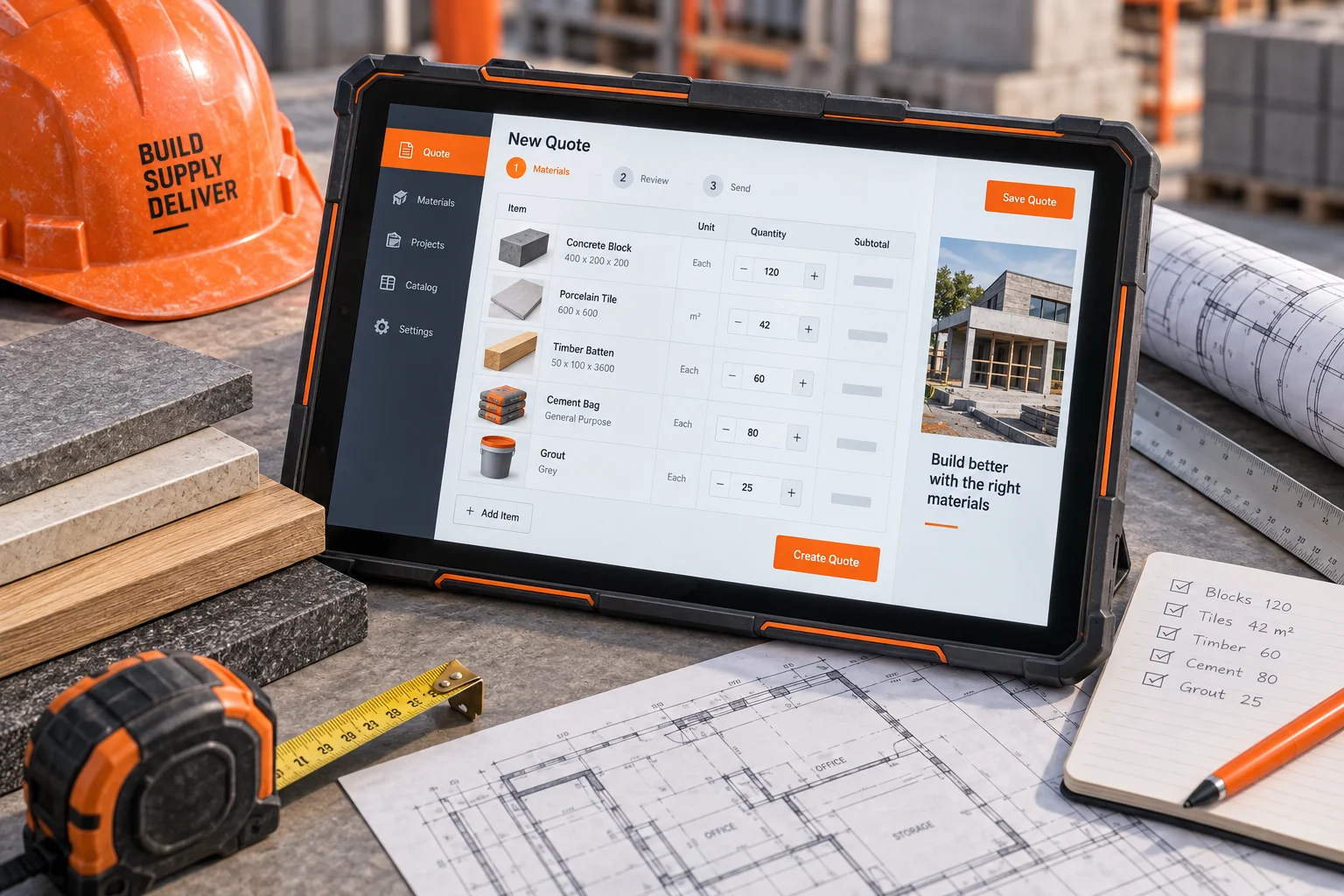
Construction & building supplies ↗
Separate project portfolios from materials. Collect measurements, pallet quantities, delivery zone and survey needs before quoting.
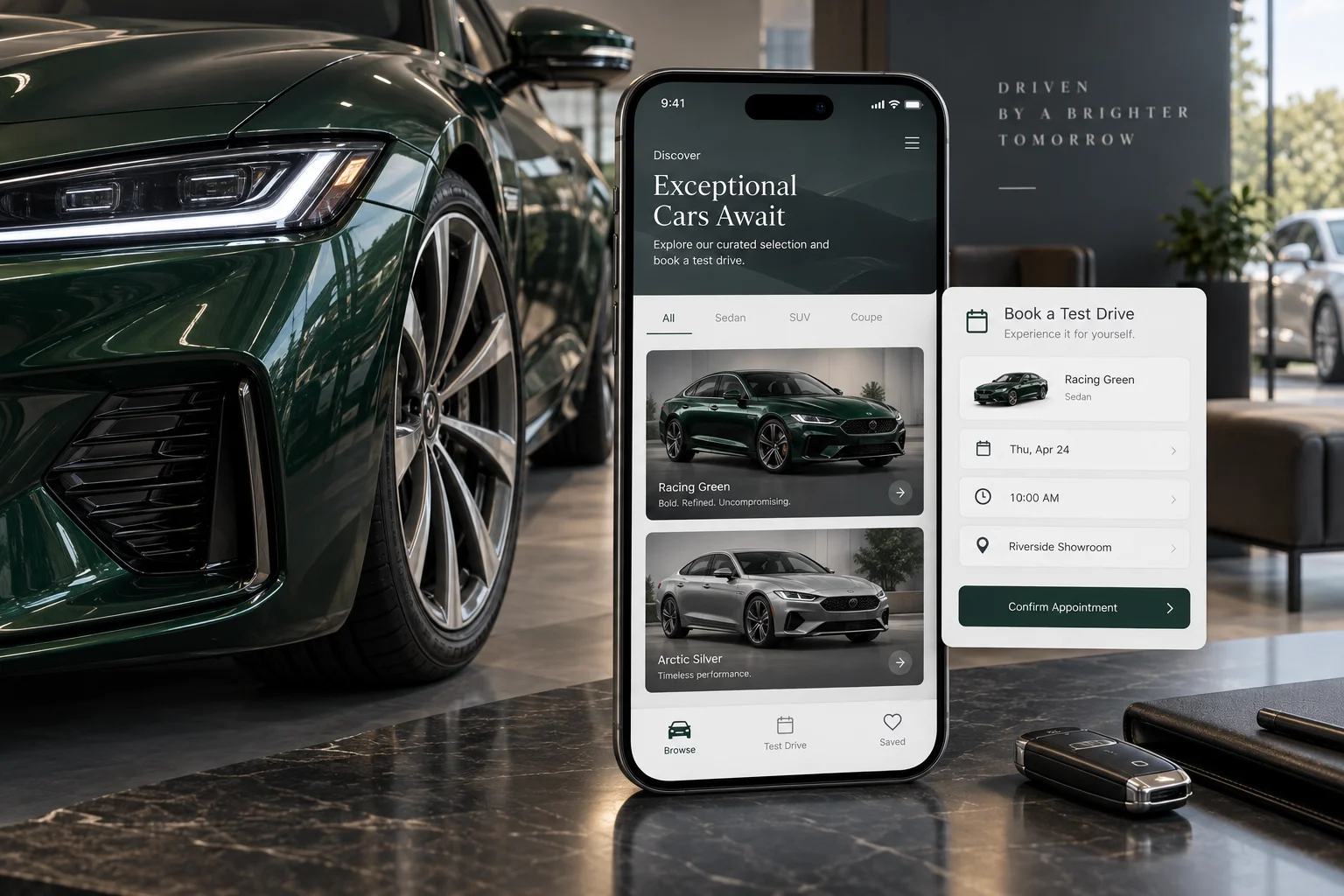
Automotive & rental ↗
Show specifications, photos and availability. Vehicle sales use enquiries; rentals need dates and pickup locations.
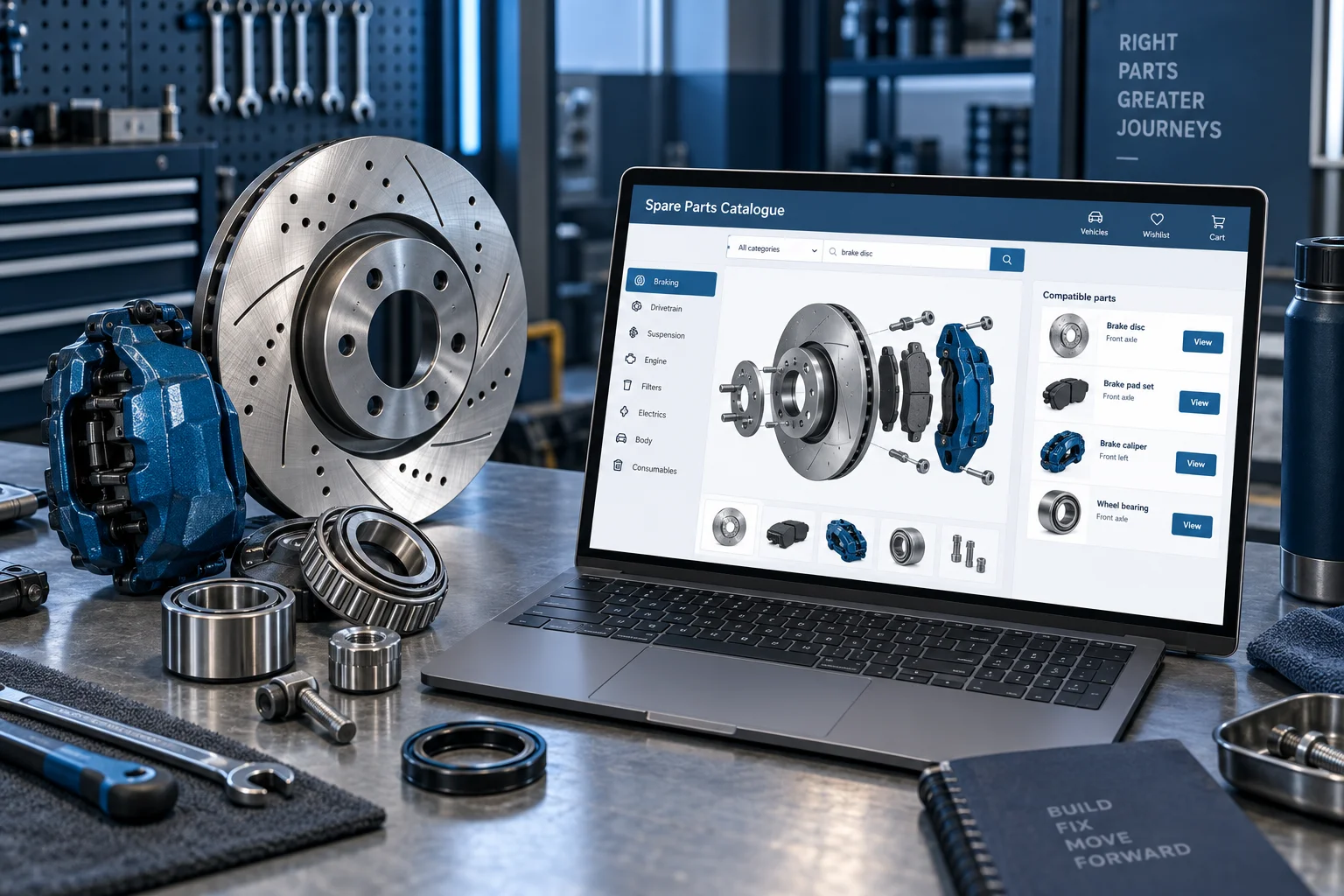
Spare parts ↗
Search by part number, vehicle or machine compatibility and alternatives. Uncertain compatibility requires confirmation before ordering.

Manufacturing ↗
Present capabilities, technical documents and capacity. Quote against drawings, quantity, material and target date.
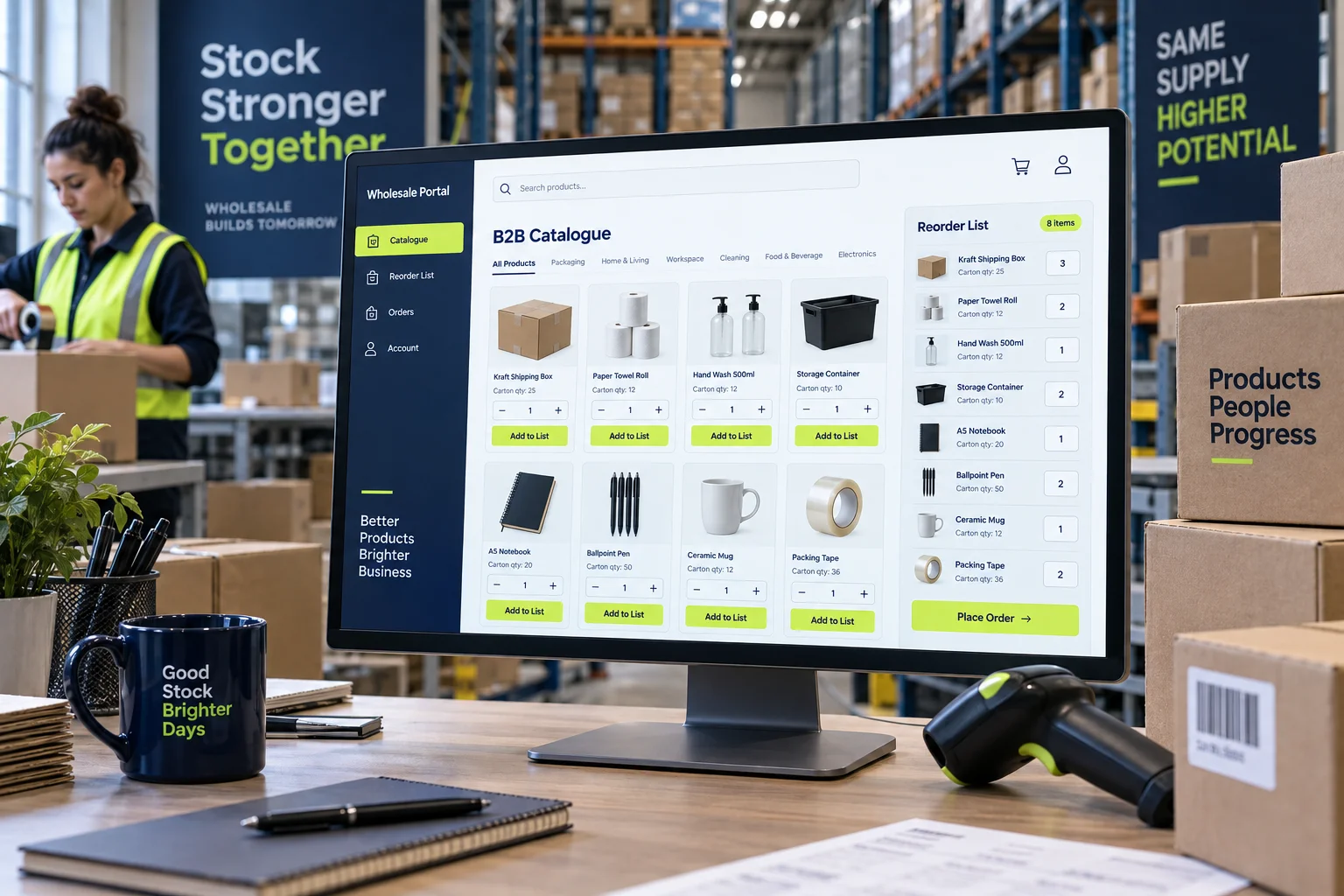
Wholesale & distribution ↗
Use buyer accounts, assigned catalogues, minimum quantities and repeat orders. Show prices and terms according to customer permissions.
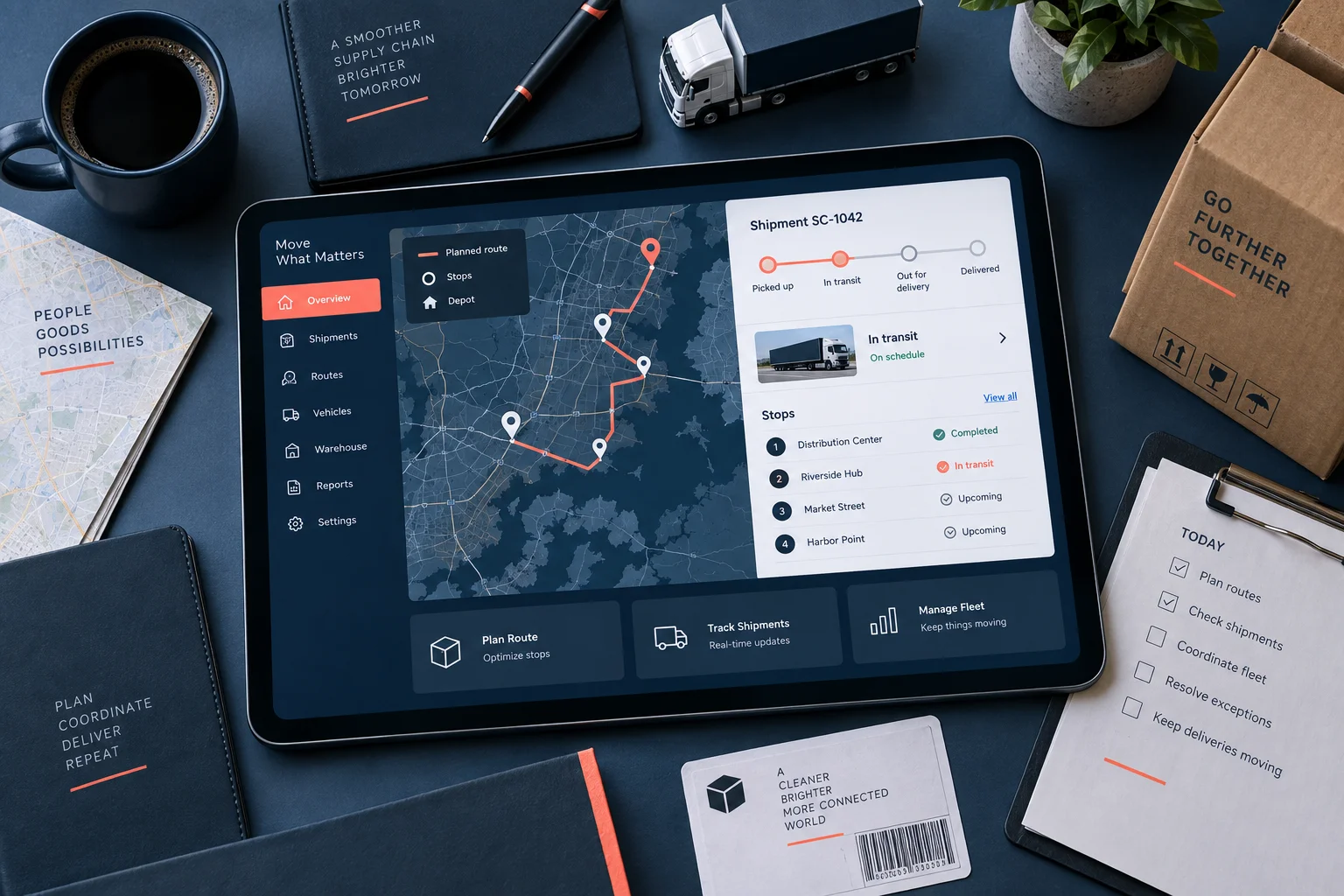
Logistics ↗
Collect route, cargo type, weight, volume and delivery time for quotes. A customer portal can show shipment status.
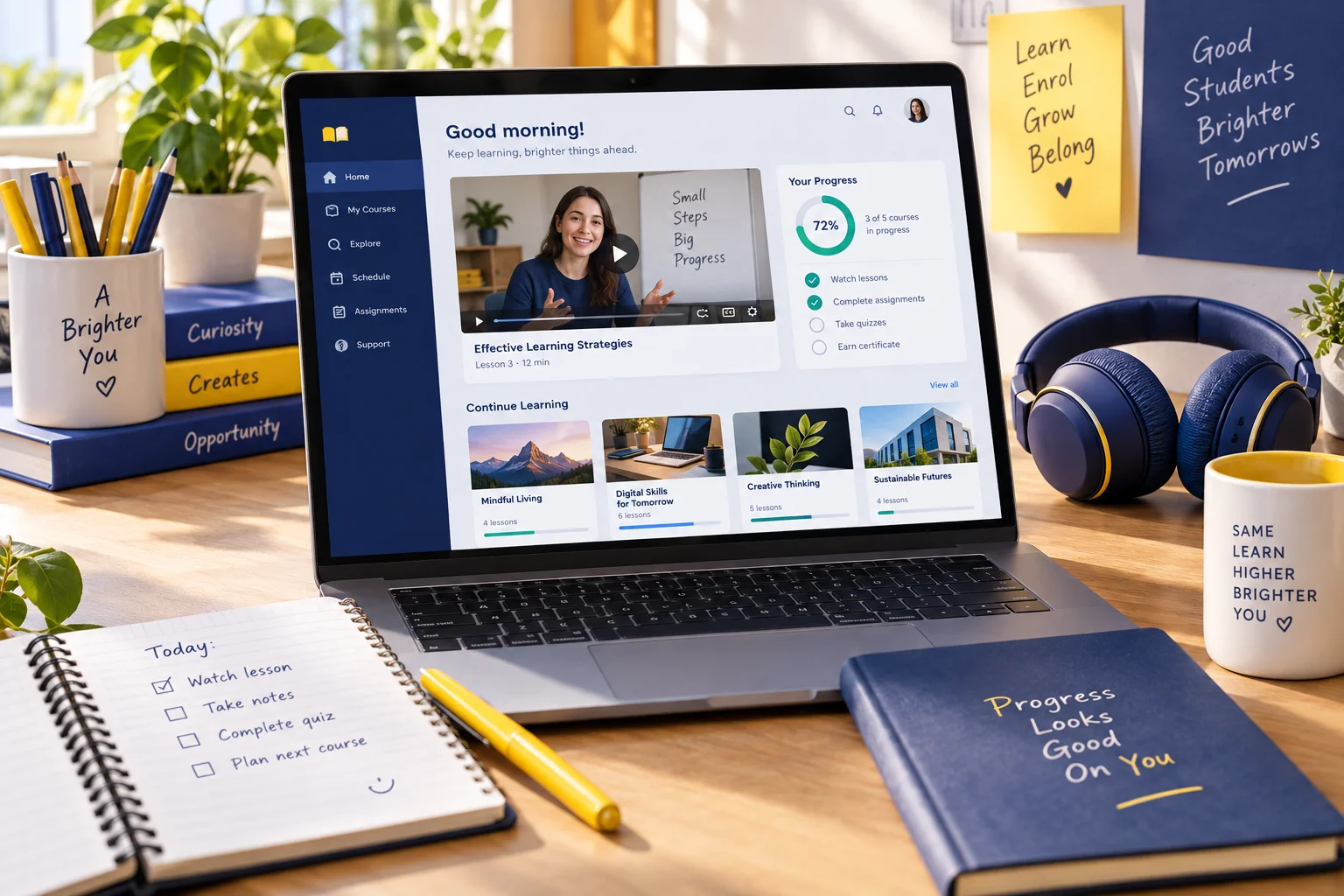
Education & courses ↗
Explain programmes, levels, instructors and schedules. Plan capacity-based enrolment, digital lesson access and student notifications.
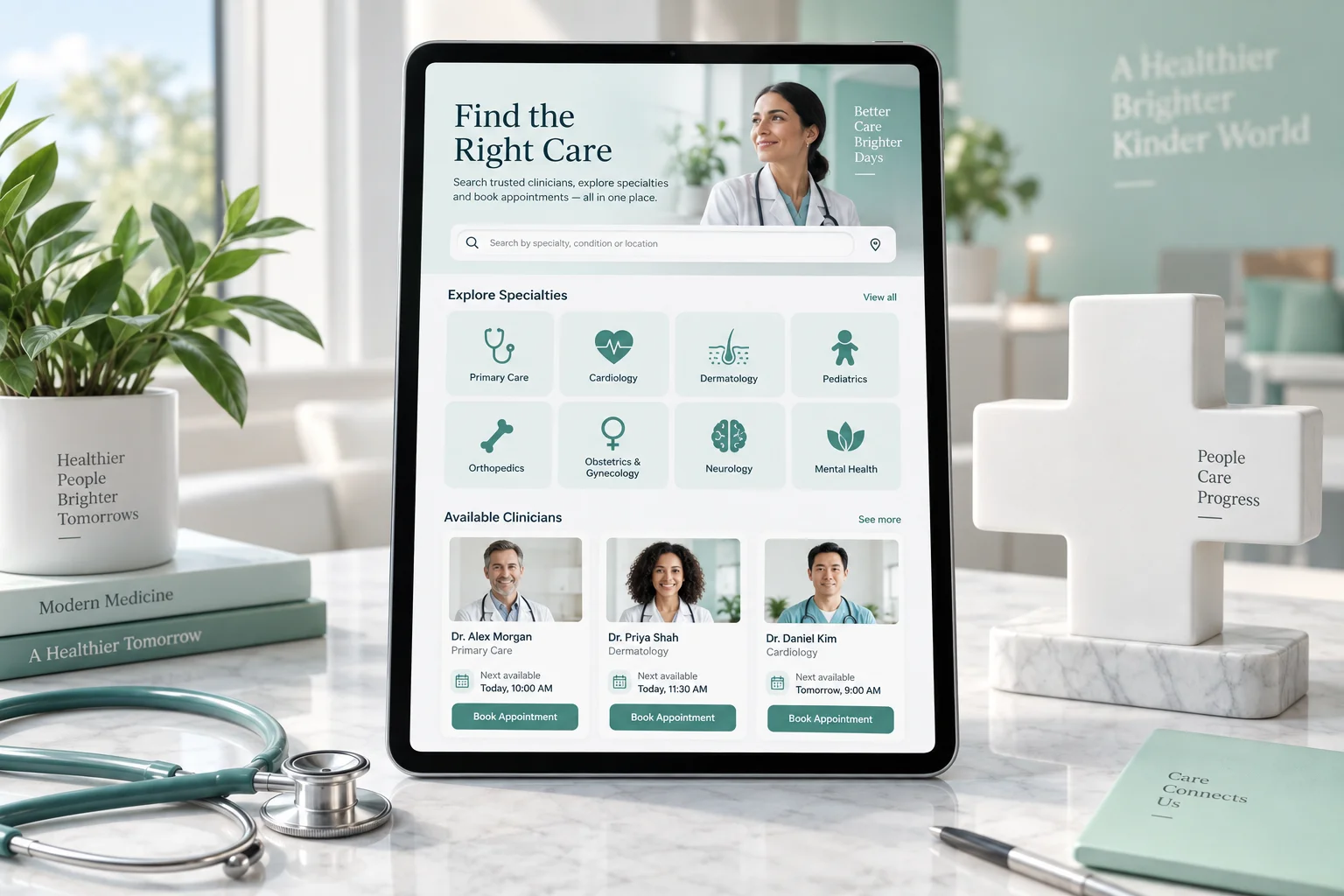
Healthcare & clinics ↗
Present specialties, clinicians and appointment requests. Do not collect medical files in the first enquiry or promise treatment outcomes through checkout.
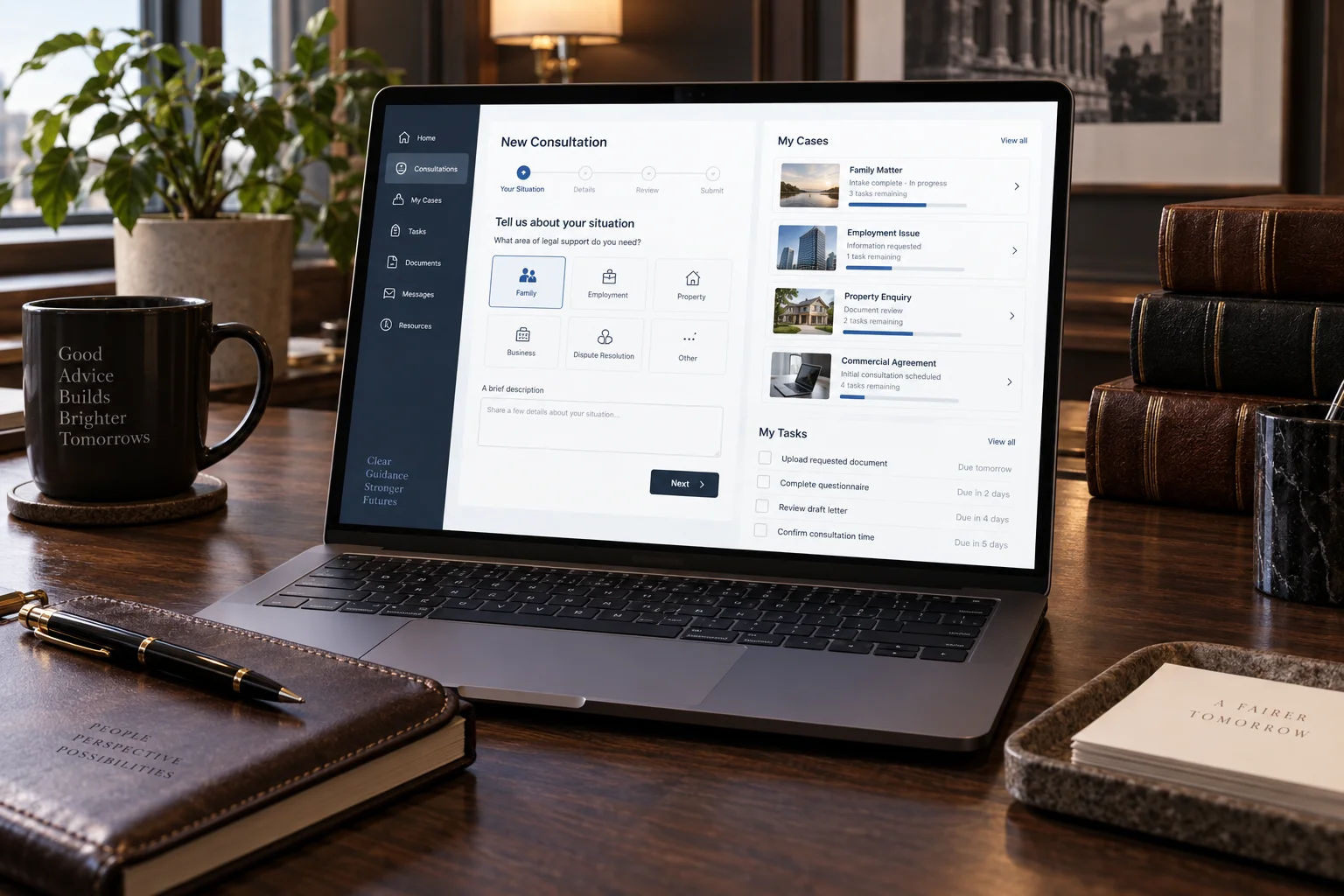
Legal & professional advisory ↗
Explain expertise and the engagement process. Use consultation and quote requests without asking for confidential files in the first form.
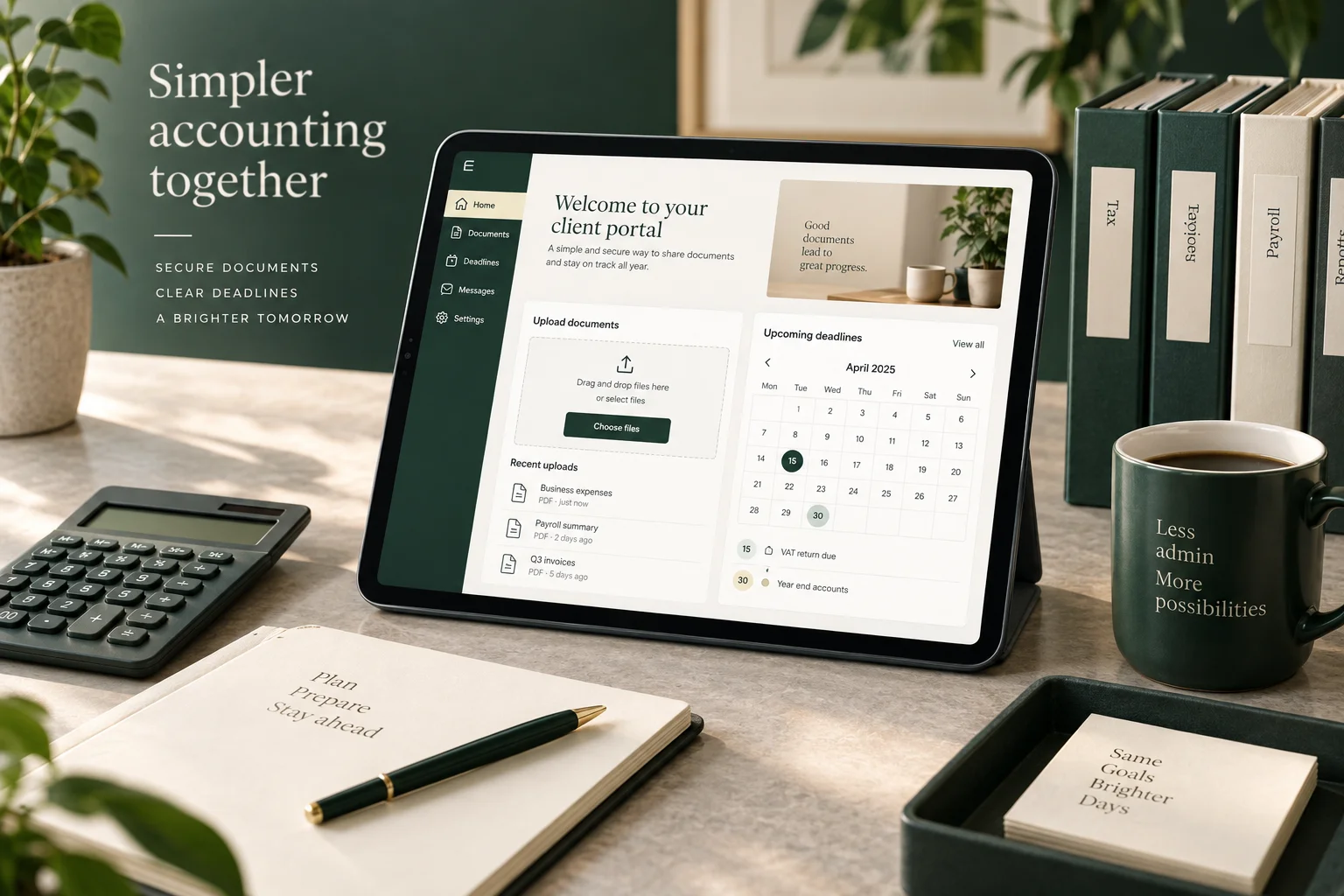
Accounting & financial advisory ↗
Explain service scope and consultation requests. Plan a restricted document portal; the initial enquiry does not collect financial records.
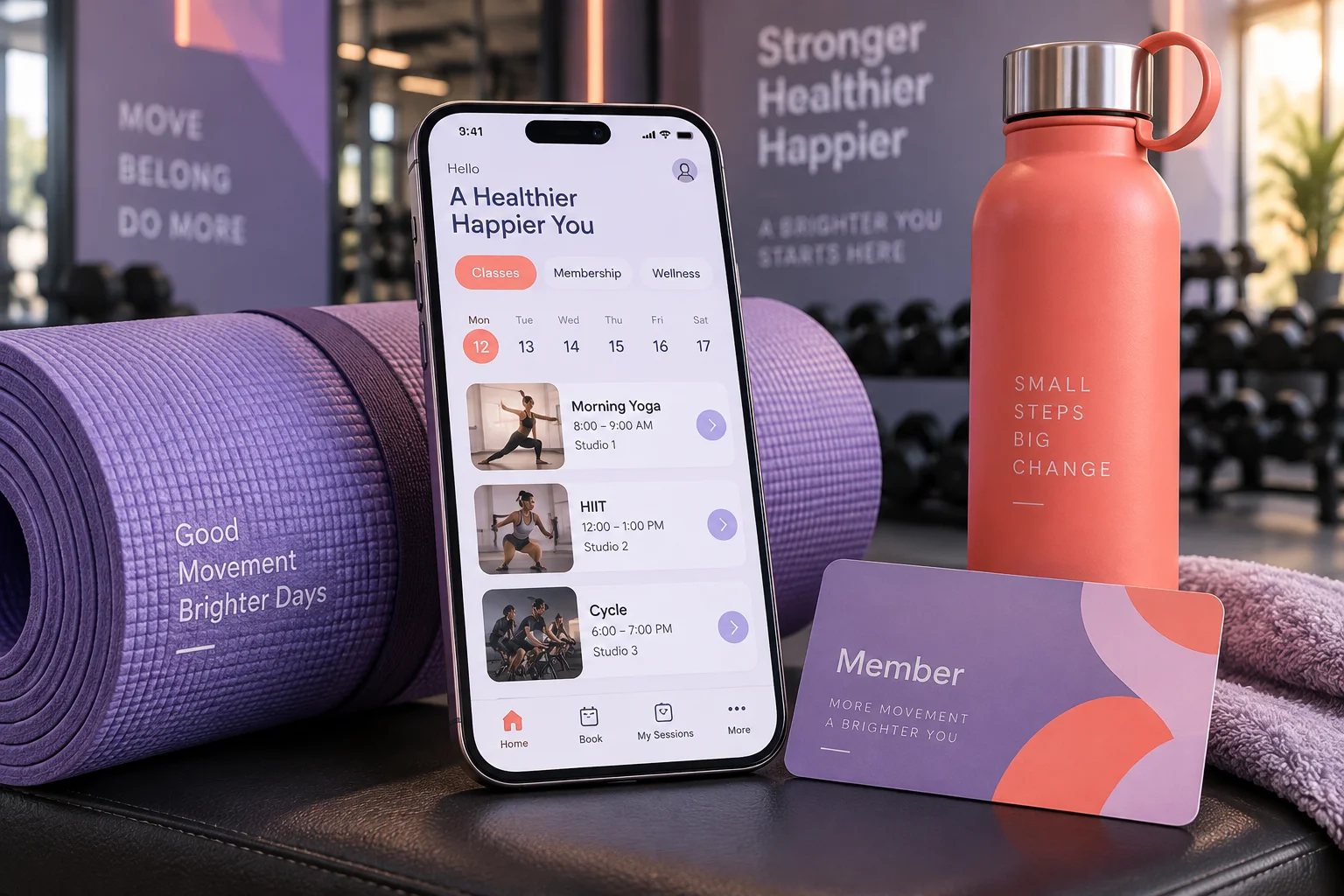
Fitness & beauty studios ↗
Show services, staff, session duration and availability. Connect bookings, membership tracking and cancellation workflows.
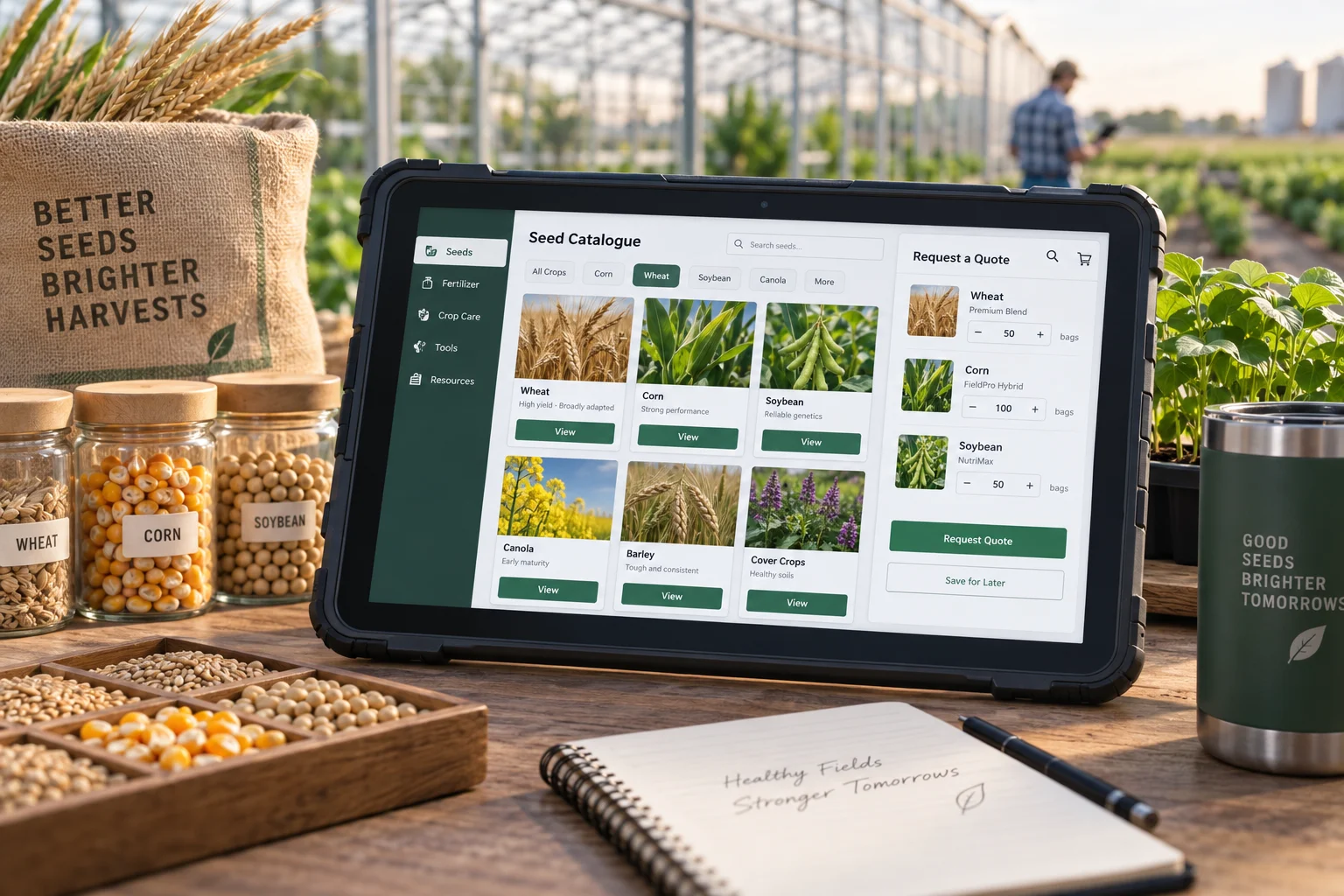
Agriculture & farm supplies ↗
Describe product type, season, pack quantity and delivery area. Large or regional orders use quantity-based quotations.
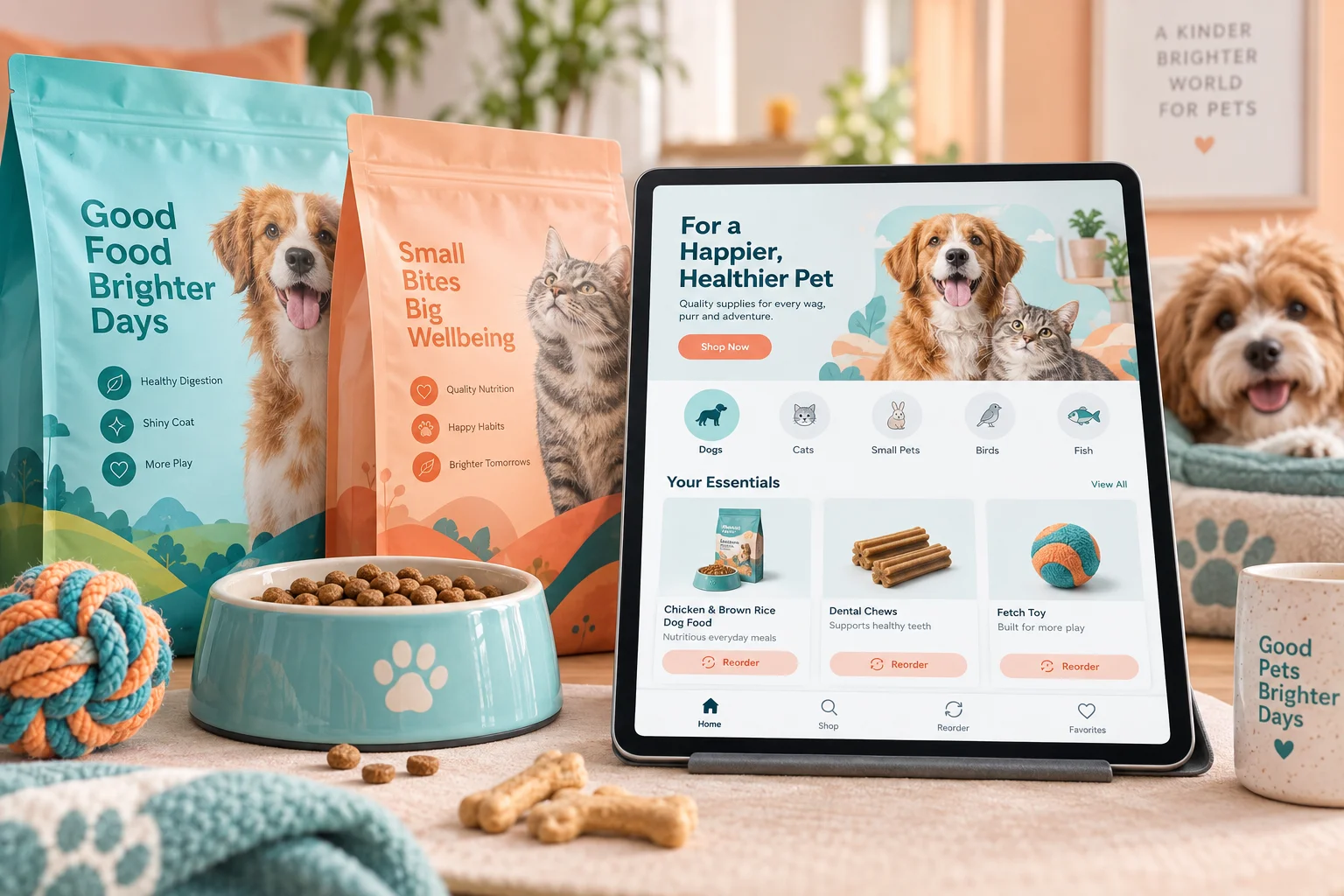
Pet supplies ↗
Filter by animal type, age, size and product attributes. Organise pack sizes, stock and repeat ordering.
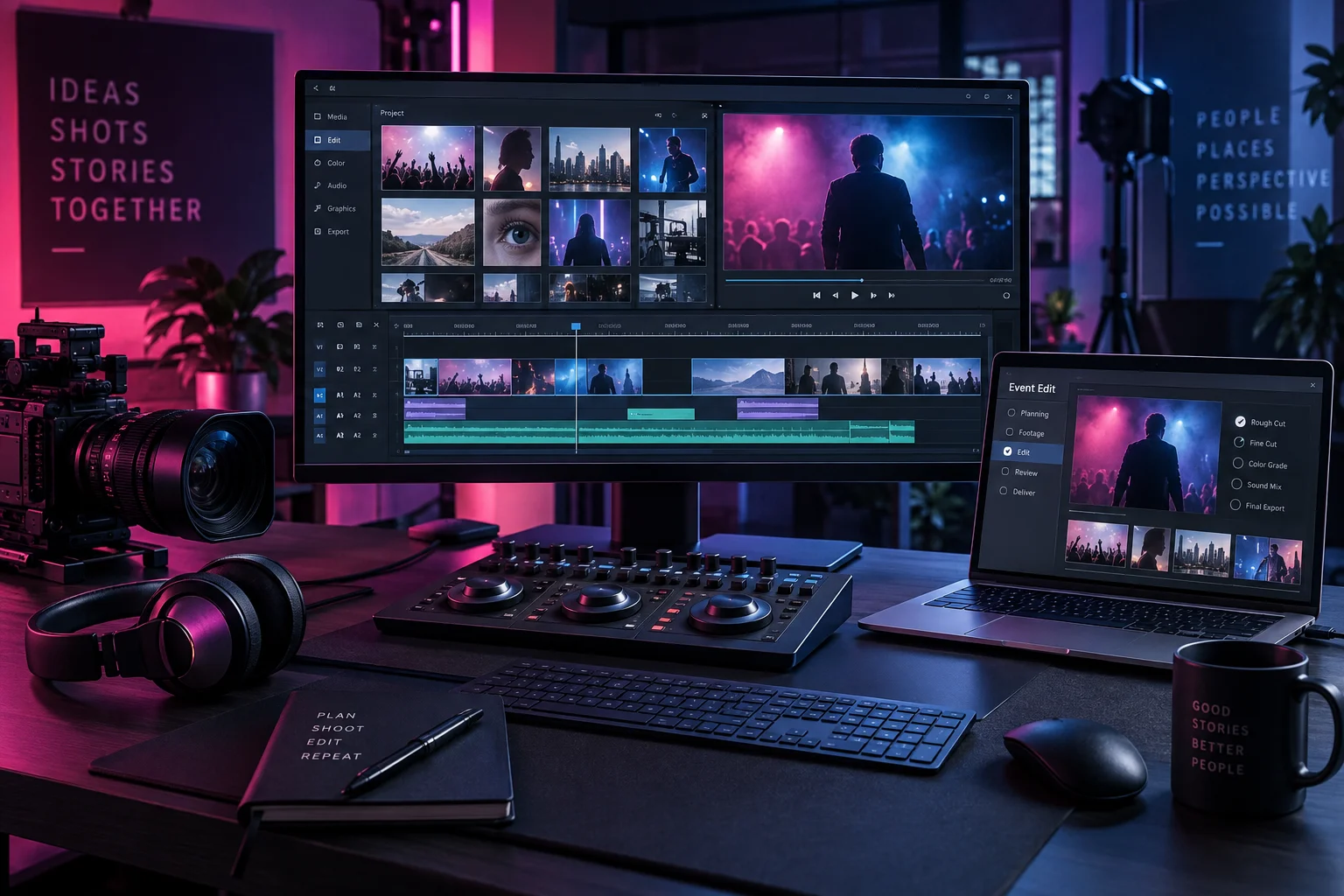
Agencies & events ↗
Show portfolios, service scope, dates and venue needs. Ticketed events use capacity; bespoke production uses briefs and quotes.
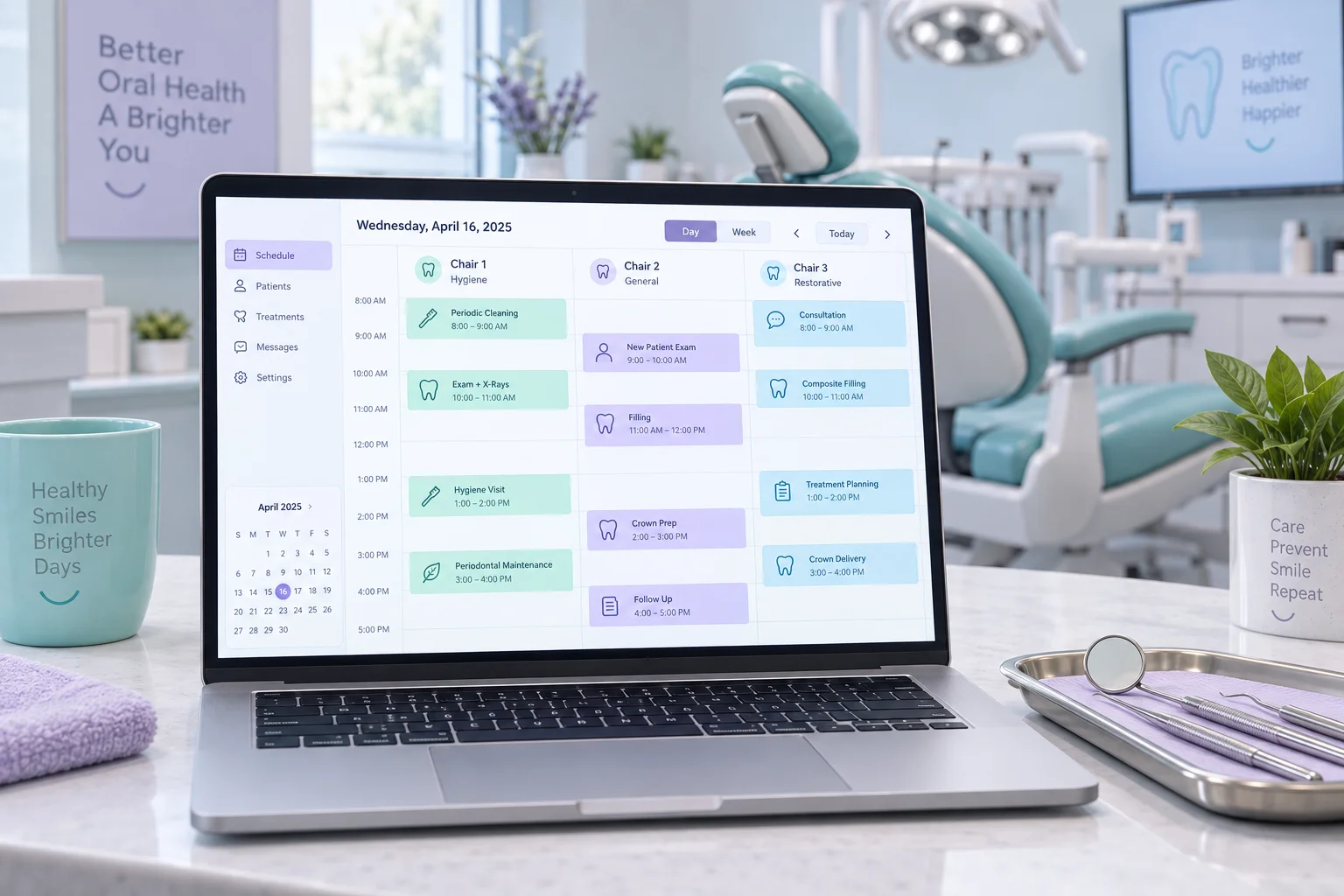
Dental clinics ↗
Plan appointments around clinician, chair and procedure duration. Authorised teams can manage recall reminders, cancellations and dental laboratory work status.
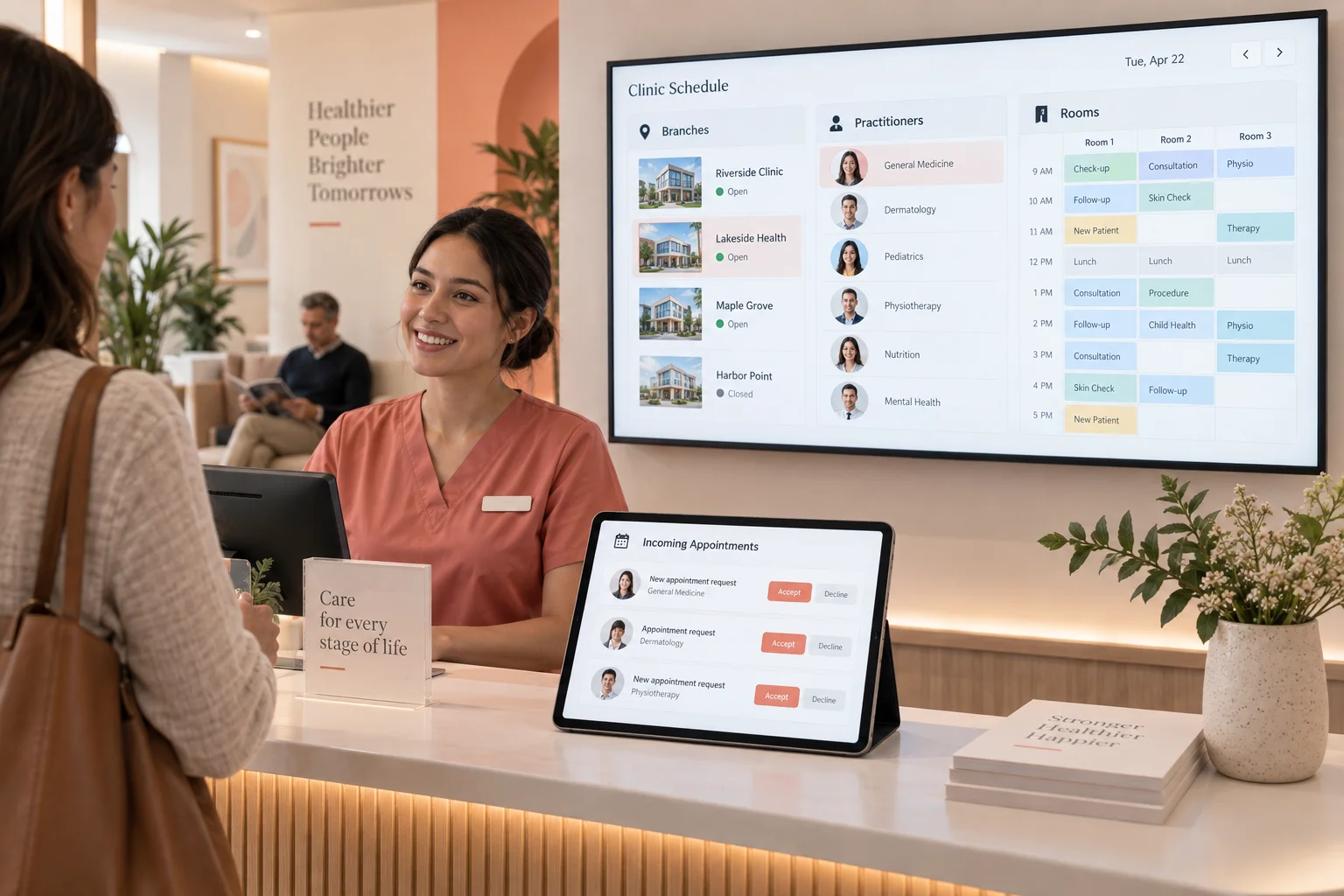
Outpatient clinics ↗
Coordinate specialty, clinician, room and branch calendars. Reception routes requests to the correct schedule; enquiries remain distinct from confirmed appointments.
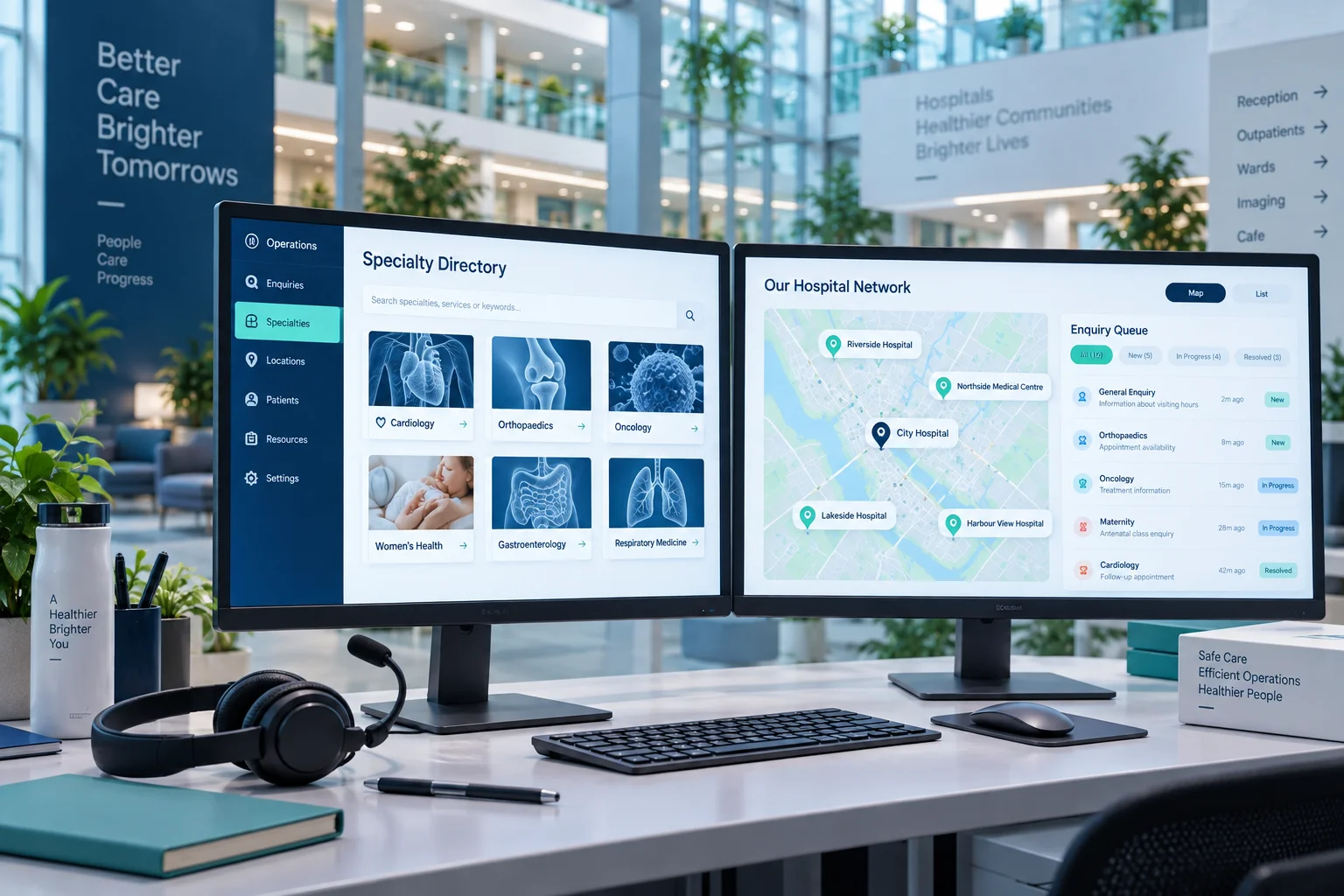
Private hospitals ↗
Combine clinician and specialty directories, locations and call-centre enquiry tracking. Synchronise appointment status only where the hospital system permits integration; patient portals require separate authentication and access logs.
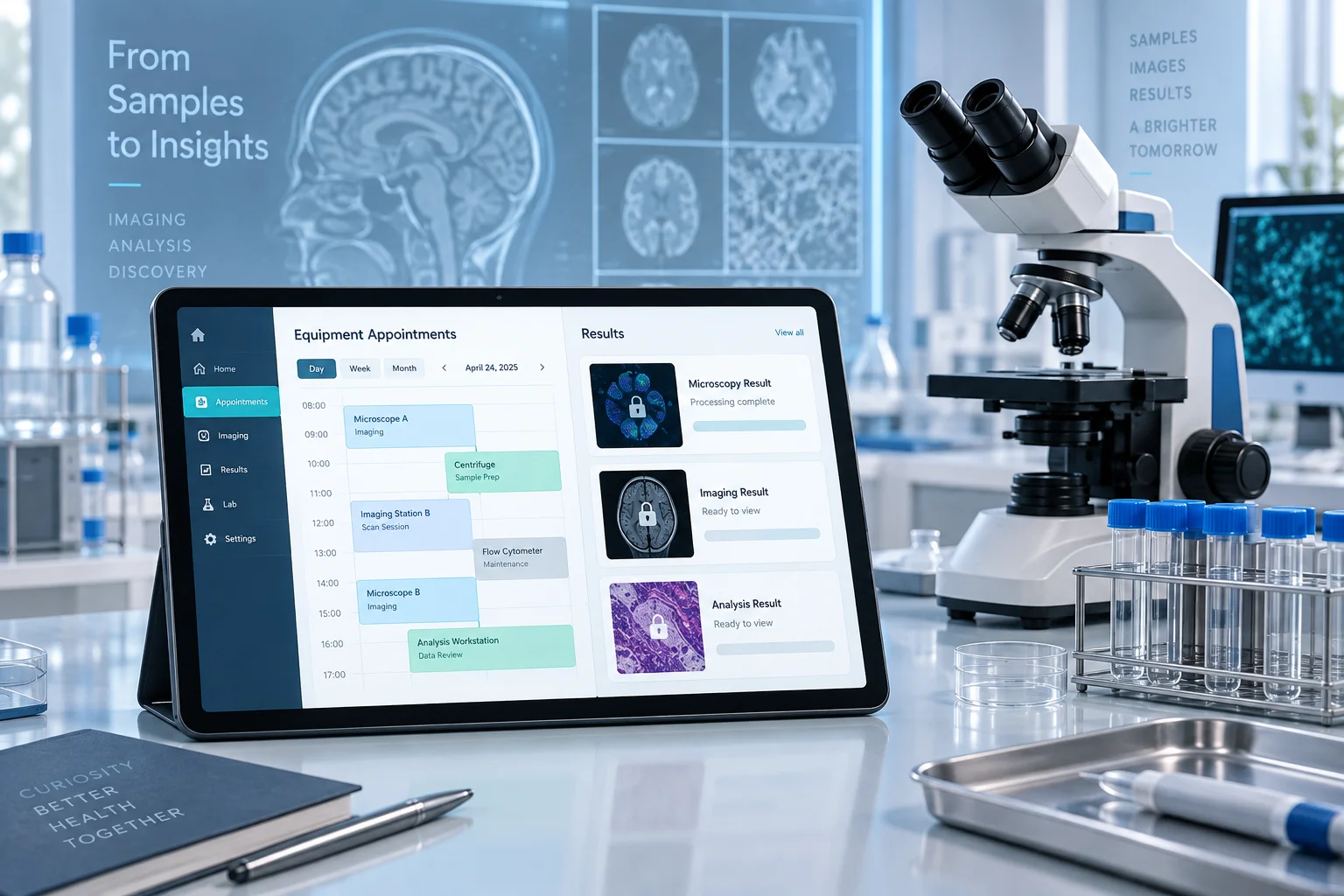
Laboratories & imaging ↗
Plan equipment-based appointments, provider-approved preparation instructions and authorised result access. Assess LIS/PACS integration with the supplier; results are not placed on public links or ordinary email.
Illustrative concept · Not a client reference